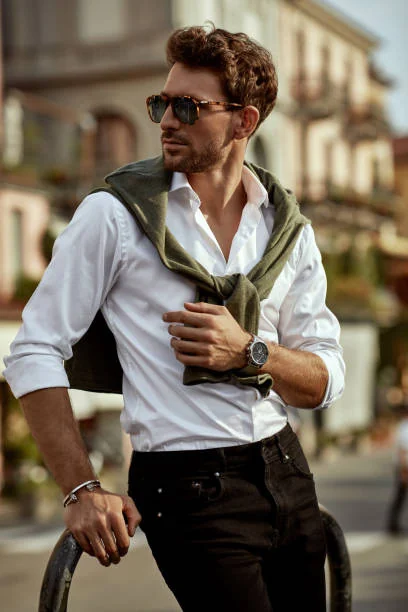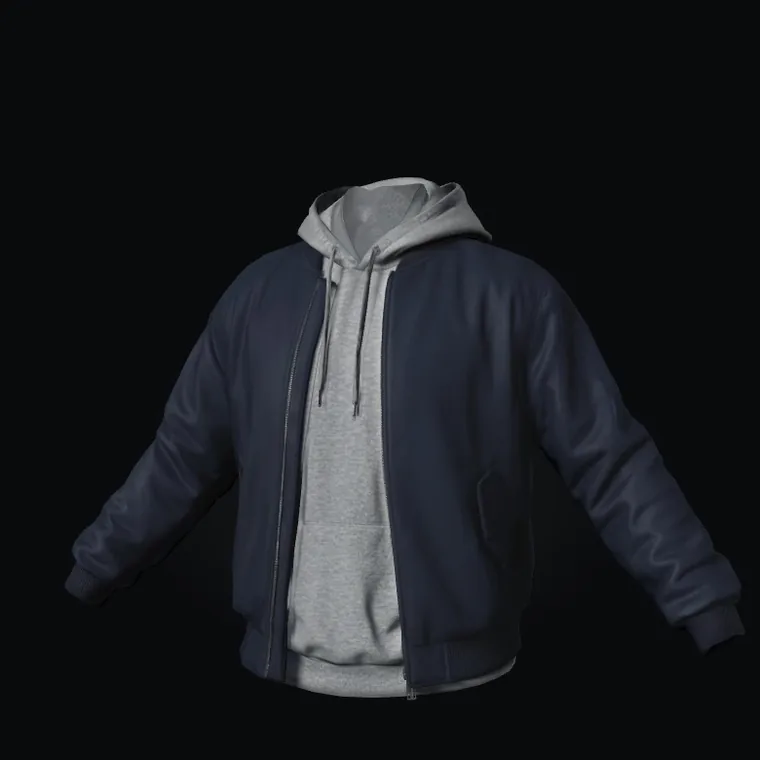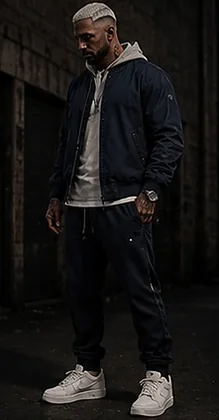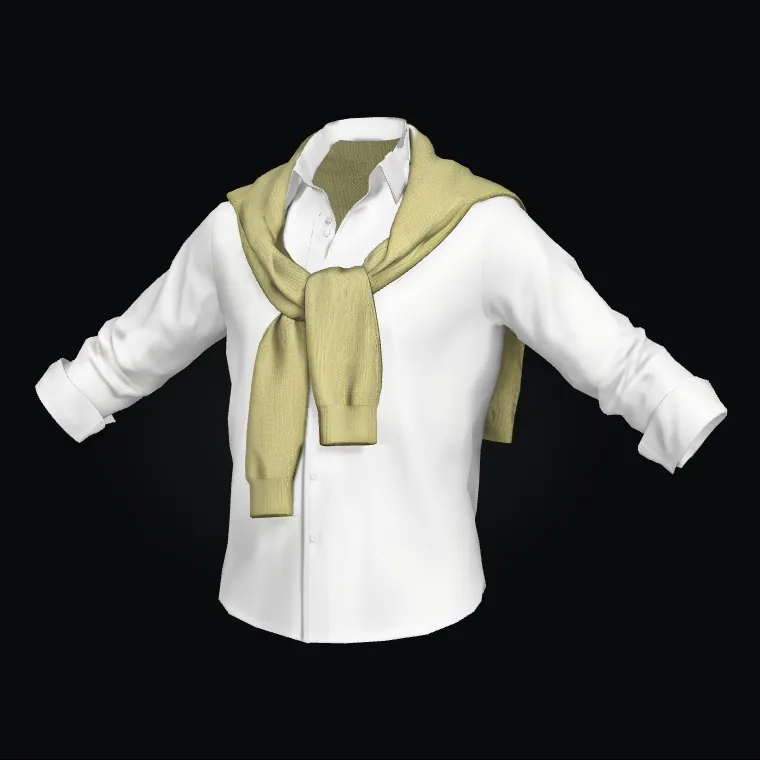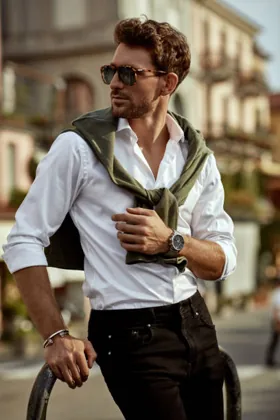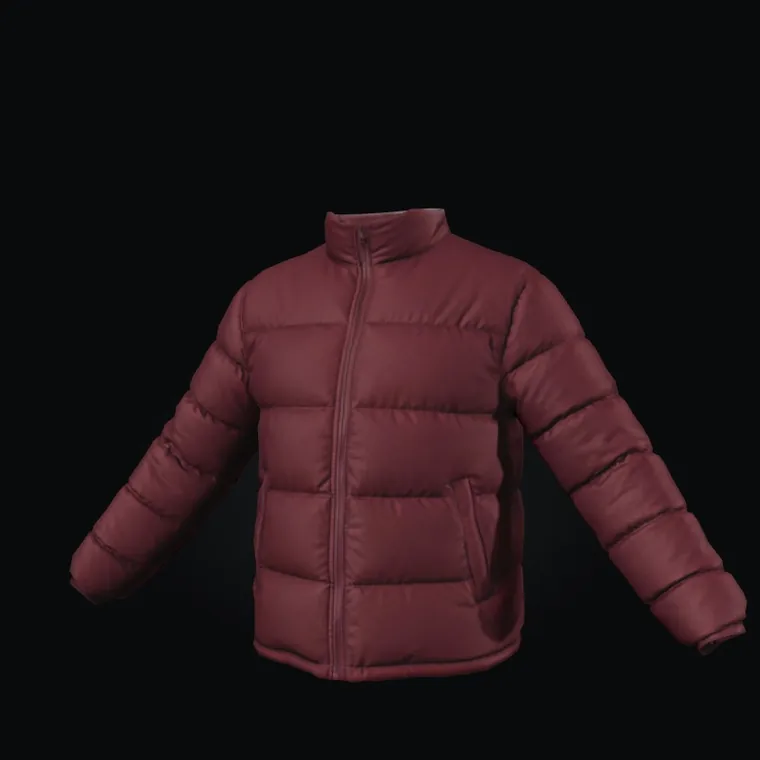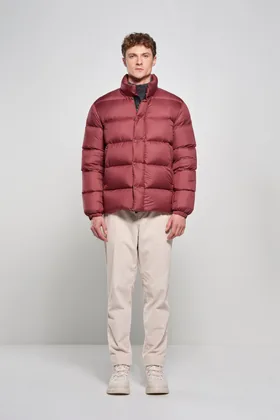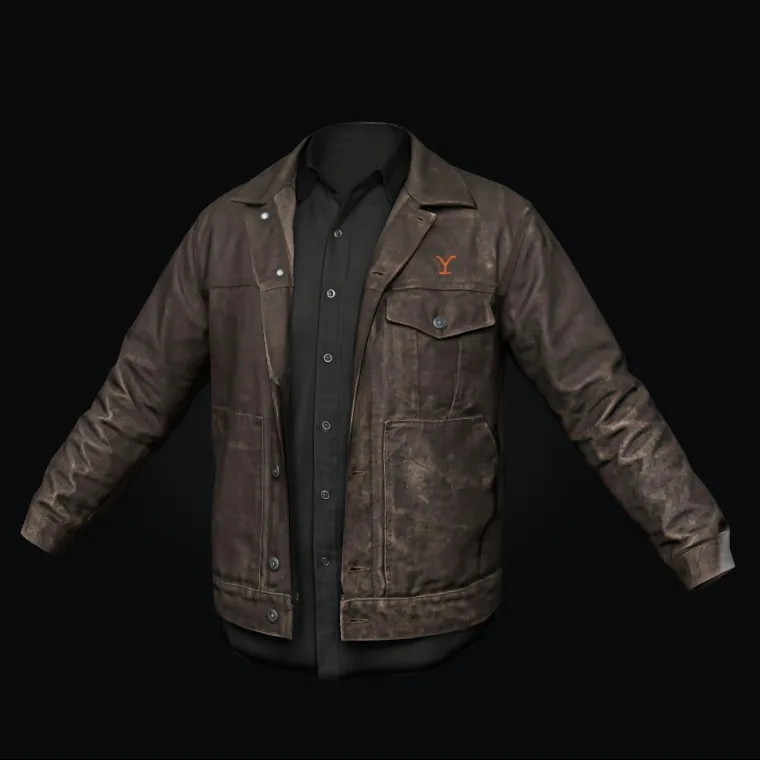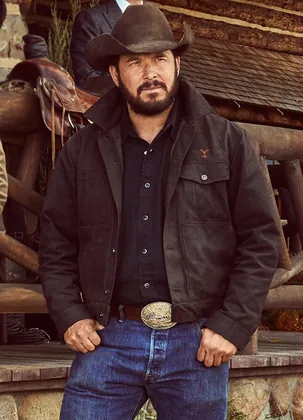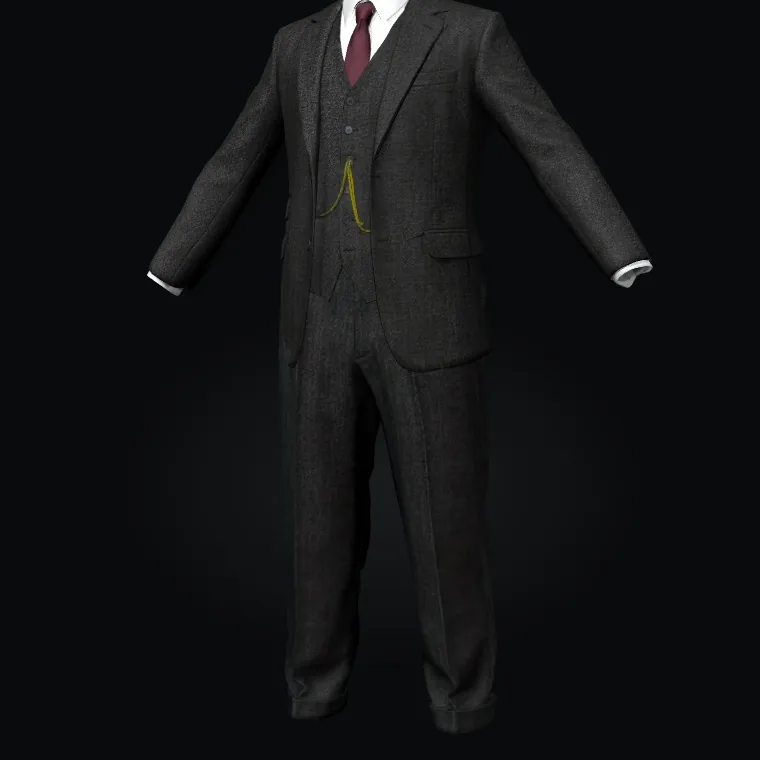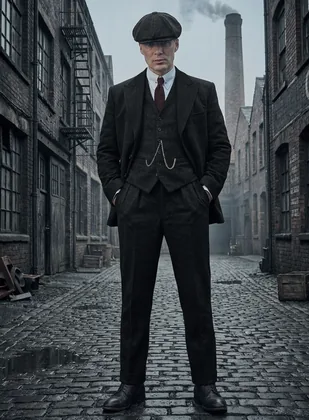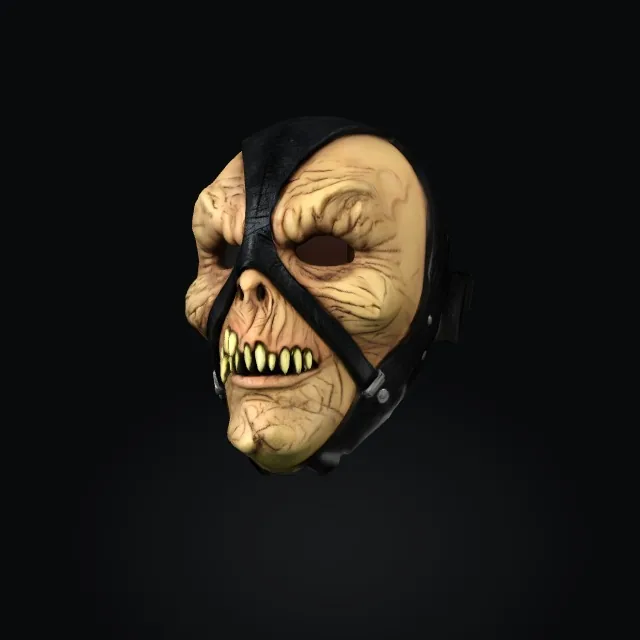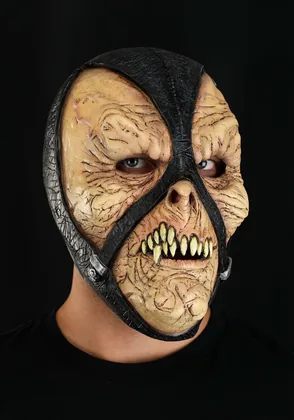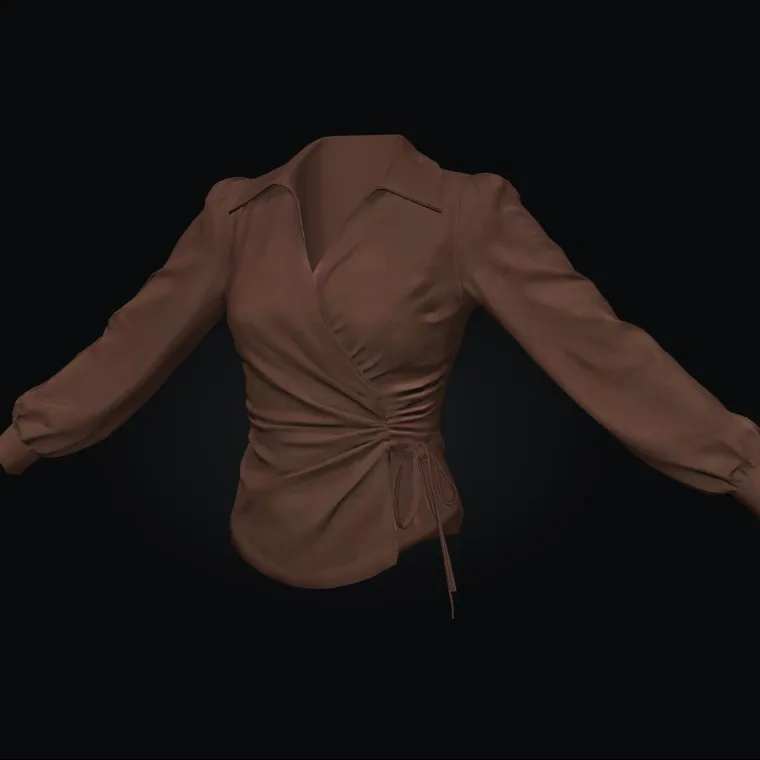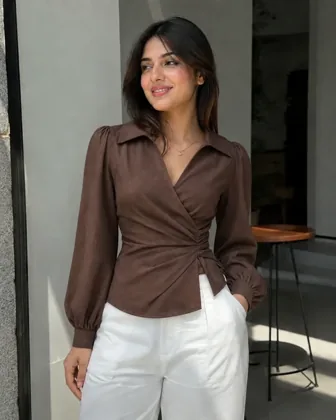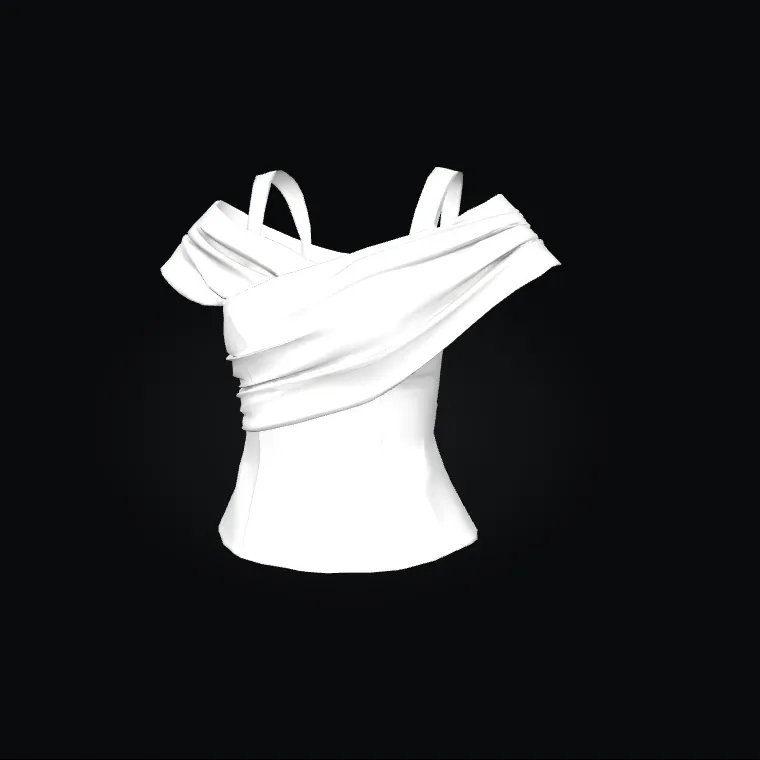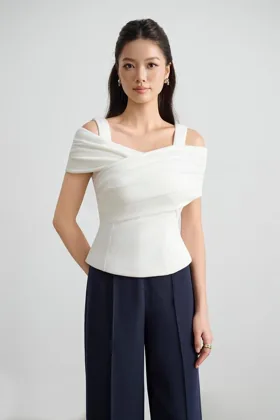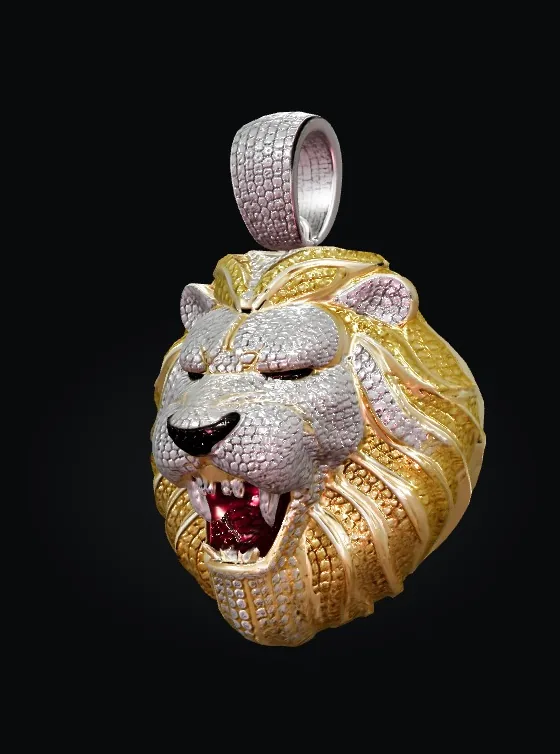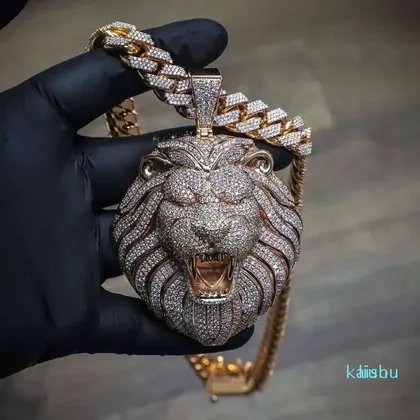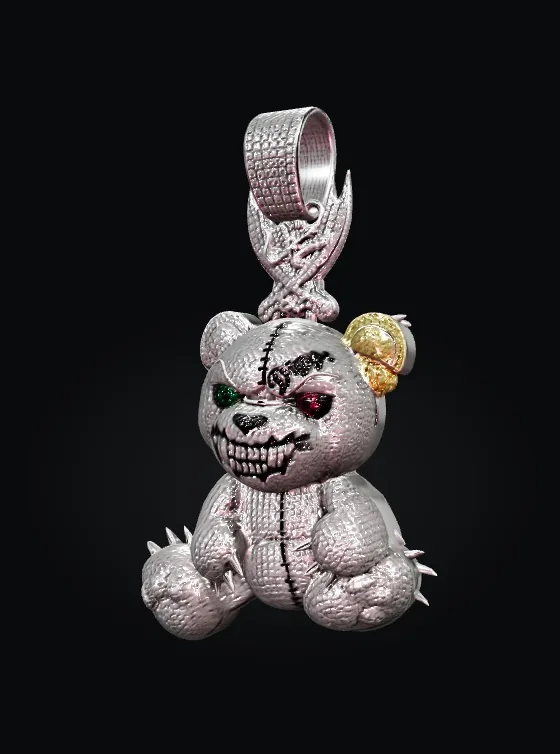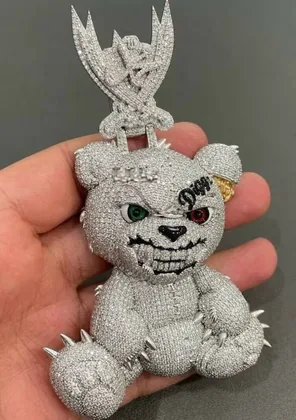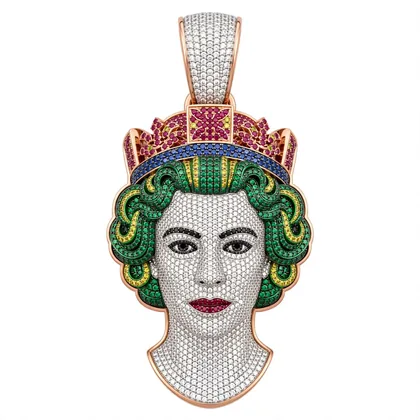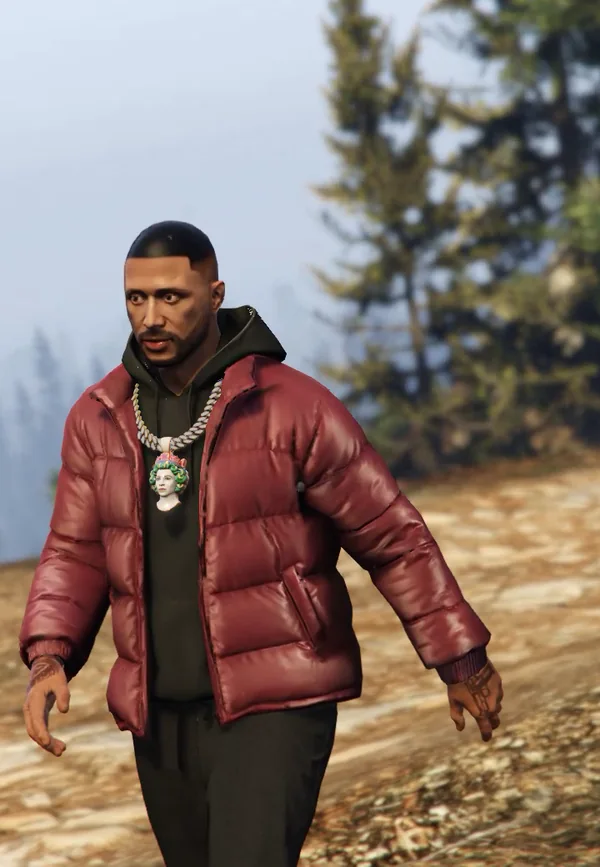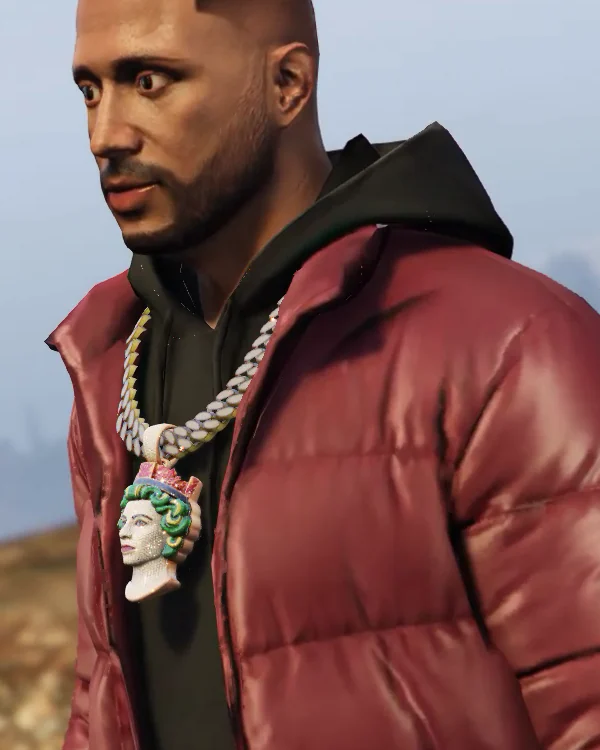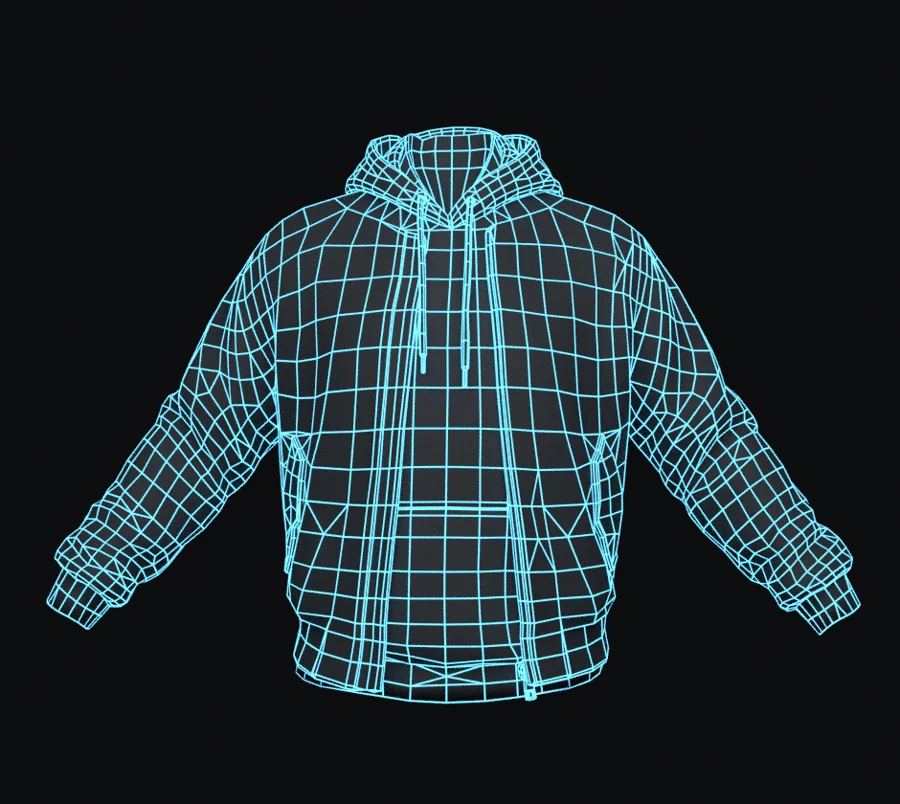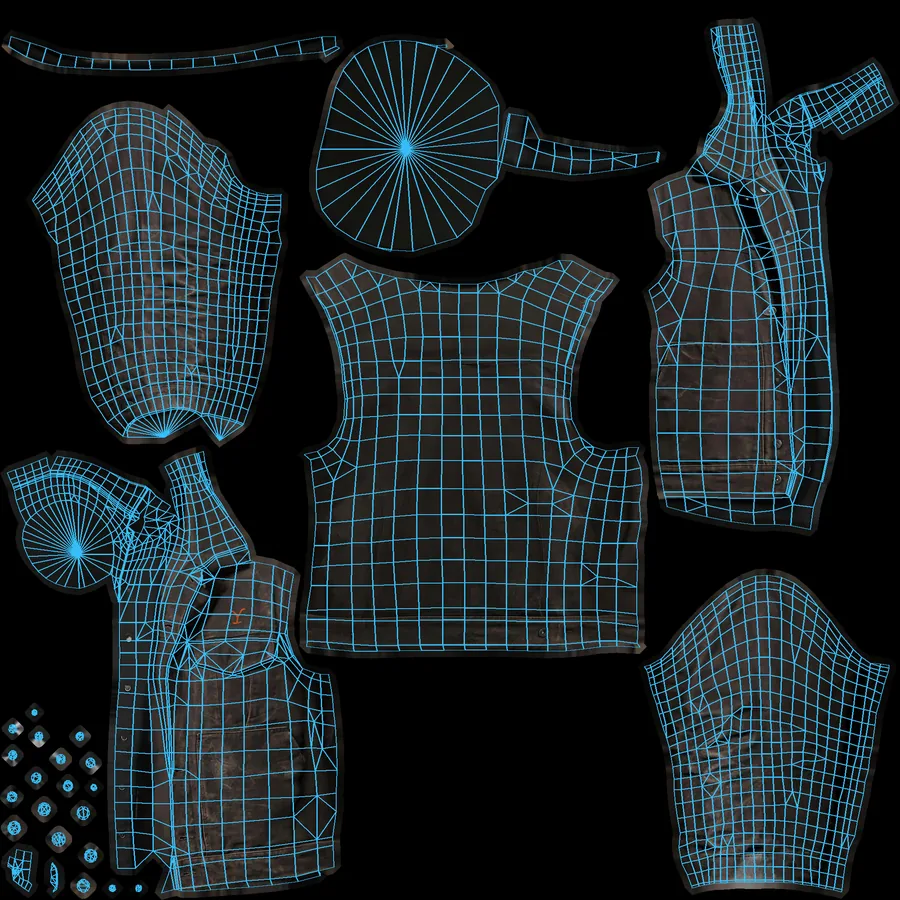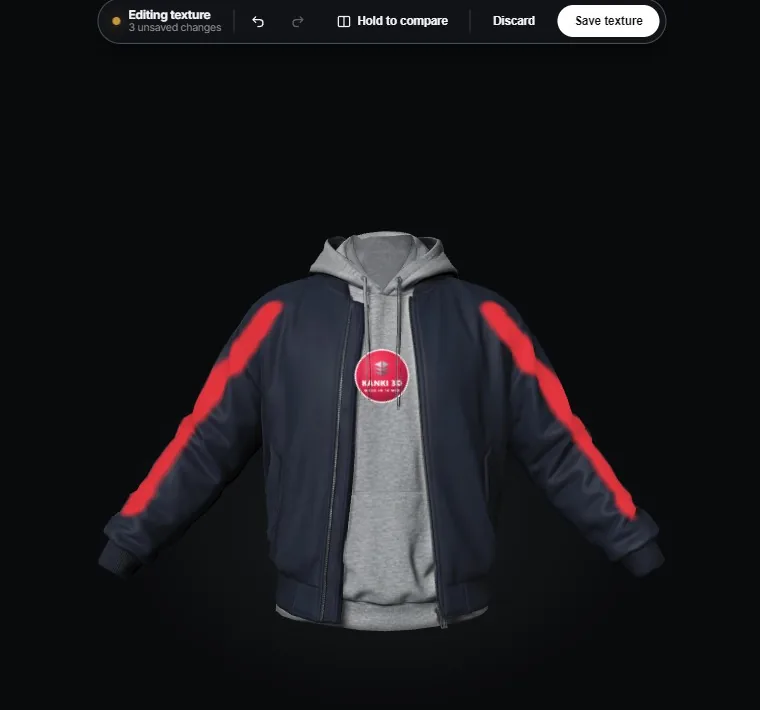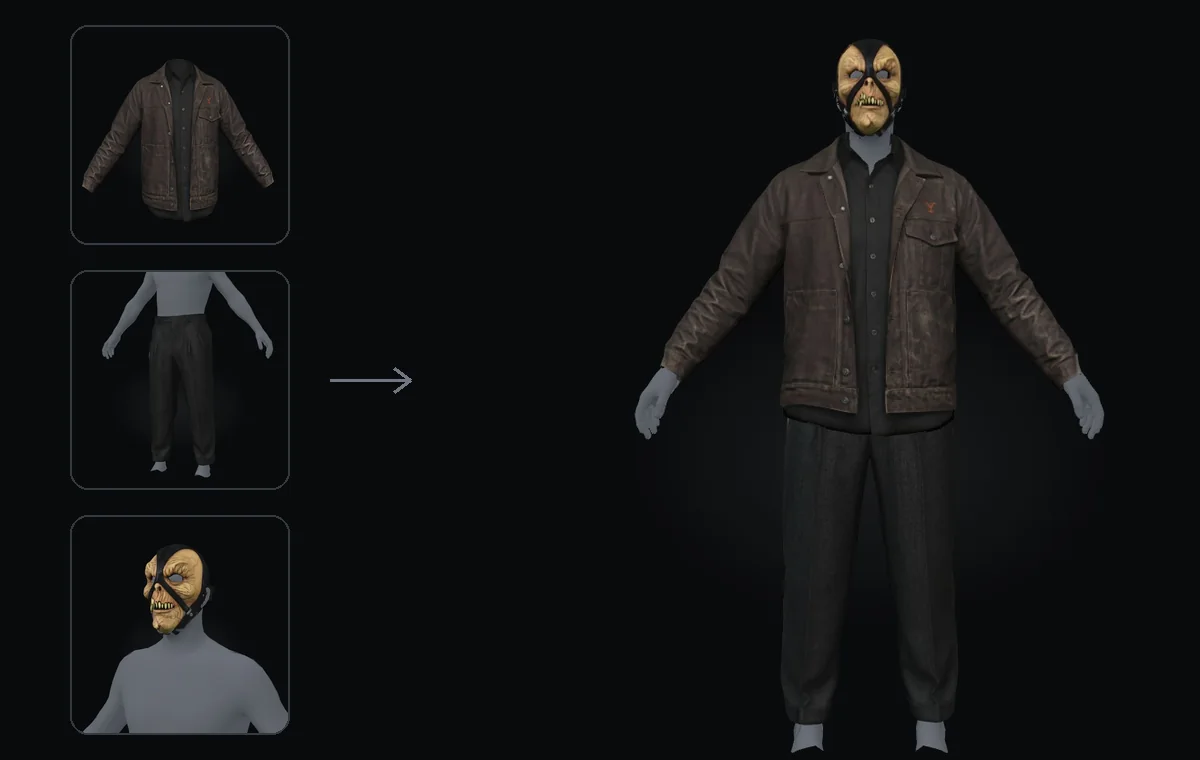
One image in.
A FiveM-ready model out.

Kanki3D is the bridge between generative 3D and your players. Send a photo of a chain, top, vest or mask and get back an item fitted to the character, optimized and packaged for your server.

No spam. Early invites, launch perks and progress updates only.

  • 1 imageto start
  • Minutesnot weeks
  • Ped-fittedsits on the body
kanki3d / studio / new-item Preview
01 Your image
Photo of a gold iced-out Cuban chain with a crown pendant
Category: Chain Finish: Iced out
02 Generating
  1. Reading the itemShape, materials, category
  2. Building the modelClean 3D geometry
  3. TexturingMetal, stones, fabric detail
  4. Fitting to the pedSized to the freemode body
  5. PackagingReady to drop into your resource
03 Game-ready model drag to rotate
Waiting for input…
iced_cuban_chain.ydd iced_cuban_chain.ytd fxmanifest.lua

Sample run with placeholder assets. Real generations are coming soon.

The missing layer

Generating a 3D model is the easy part.

AI can already make a nice-looking model. Getting it to work inside a game is where modders lose days: it has to fit the character, stay within performance budgets, use the game's materials and ship in the right files.

Raw generation

Looks good in a viewer

  • Random scale and orientation
  • Floats off the body or clips through it
  • Too heavy to stream on a busy server
  • Generic materials that look wrong in-game
  • A 3D file you still have to convert, rig and package

Kanki3D

Works in the game

  • Sized and placed on the game's own character
  • Sits on the body from every angle
  • Tuned to the platform's performance budget
  • Materials converted for the game's renderer
  • Exported in native formats, ready to drop in
1 imageis all you need to start
Minutesnot weeks of modeling
Ped-fittedsits right on the body
Drop-instreams on your server

How it works

From reference to in-game in three steps.

You handle the design. Kanki3D does the modeling, texturing, fitting and export, the parts that usually take a 3D artist days.

  1. 01

    Drop in an image

    A product photo, a render or your own concept art. Side and back shots help for garments.

  2. 02

    We build the model

    Generated, cleaned up, textured and fitted to the freemode ped. Check it from every angle.

  3. 03

    Stream it on your server

    Download a ready resource folder, ensure it, and your players can wear it straight away.

Platforms

FiveM first. Every sandbox next.

Every game has its own characters, rules and file formats, so each one gets its own pipeline. Tell us where you create when you join; it helps decide what comes next.

Starting here

FiveM (GTA V)

Clothing and jewelry for roleplay servers, streamed as native drawables.

Planned

Roblox UGC

Avatar accessories and layered clothing.

Planned

VRChat

Wearables for avatar creators.

Planned

Fortnite / UEFN

Assets for Creative islands.

Planned

Unreal Engine

Game-ready props and cosmetics.

Planned

Second Life

Rigged mesh fashion.

Planned

The Sims 4

Custom content for Sims creators.

Planned

IMVU

3D accessories and outfits.

Your game?

Tell us where you create when you join.

FiveM categories

Built for what players actually wear.

We started with jewelry and are adding clothing next. Waitlist members vote on what ships after that.

In testing

Chains & pendants

Cuban links, ropes, iced pieces and custom pendants.

In testing

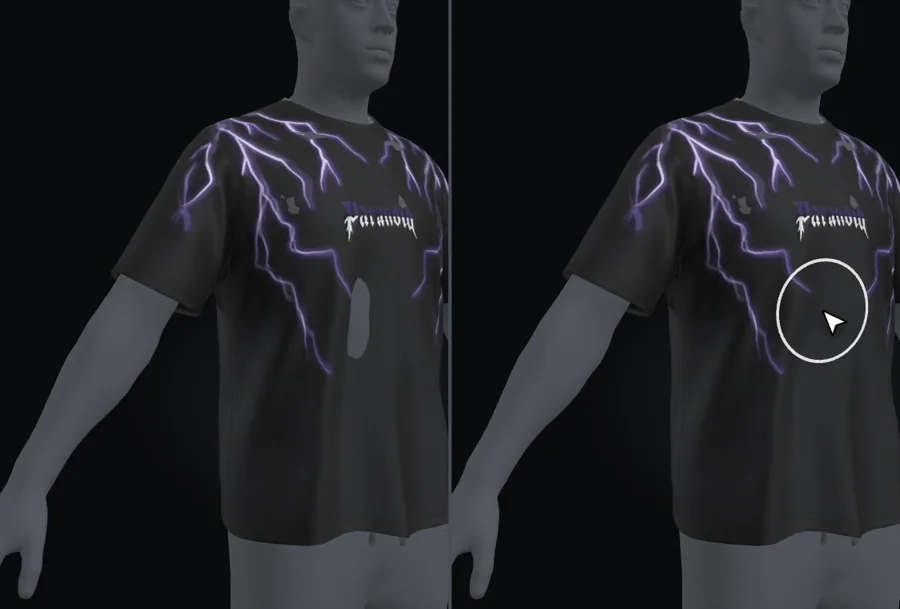
Tops & tees

Graphic tees, hoodies and long-sleeves.

In testing

Vests

Tactical, puffer and plate carriers.

In testing

Masks

Balaclavas, ski masks and face coverings.

Planned

Jackets

Outerwear layered over tops.

Planned

Pants

Cargos, denim and joggers.

In-game

Made in the studio. Worn in the city.

In-game screenshots from our test server are on the way. Waitlist members see them first.

Concept of a FiveM character wearing a custom iced lion pendant and streetwear
Concept Custom pendant with a full streetwear fit
In-game screenshotComing soon
Before / afterComing soon
Close-up detailComing soon

Why Kanki3D

Made for games, not showrooms.

Everything that turns a nice-looking model into something your players can actually wear.

Fits the ped

Items are made to the proportions of the freemode body, so chains sit on the collar and tops follow the shoulders, with no clipping to fix by hand.

Performance budgets

Poly counts and texture sizes are tuned for streaming, so a busy server doesn't drop frames because of one chain.

Real materials

Gold, silver and rose-gold finishes, stones that catch the light, and fabric that doesn't look plastic.

Your vault

Everything you make is saved to your library. Re-download, tweak or re-export any item whenever you want.

For every kind of creator

Server owners filling a clothing store, devs selling packs, and gangs and crews who want their own look.

No 3D skills needed

If you can pick a good reference image, you can make an item. Advanced controls are there if you want them.

Waitlist

Get in before launch.

We're opening access in waves and the waitlist goes first. Join now to help build the community before launch, and tell us which game you create for.

  • First invitesEarly access before public launch.
  • Founding-member perksLaunch offers for people who joined early.
  • Shape the roadmapVote on the next categories we add.
  • Behind the scenesProgress drops and in-game previews.

Reserve your spot

Takes ten seconds. We'll only email you about Kanki3D.

I'm a…

FAQ

Questions, answered.

Your next drop starts with one image.

Join the waitlist
How is this different from an AI 3D generator?

A generator gives you a model. Kanki3D gives you a working game item. The hard part of modding is everything after generation: fitting the item to the game's character, keeping it within performance budgets, converting materials and exporting native files. That's what we built, and it's tuned separately for each platform.

Is Kanki3D only for FiveM?

No. FiveM is where we're starting because it's where we're testing. Roblox UGC, VRChat, Fortnite/UEFN, Unreal, Second Life, The Sims 4 and IMVU are on the roadmap, and waitlist votes help decide the order.

When does Kanki3D launch?

We're in private testing now. Access opens in waves, starting with the waitlist. We'll email you when your invite is ready.

Do I need to know Blender or 3D modeling?

No. Kanki3D handles modeling, texturing, fitting and export. If you can choose a clear reference image, you can make an item.

What do I get at the end?

A resource folder with the model and textures in the formats FiveM streams, plus a manifest. Drop it into your server's resources and ensure it.

Does it work for male and female peds?

Items are fitted to the freemode ped. Male is our first target and female support is on the roadmap.

What kind of images work best?

A clear, well-lit shot of the item on a plain background works best. For clothing, extra side and back photos help, but they aren't required.

How much will it cost?

Pricing will go to the waitlist first, together with the founding-member offers.